




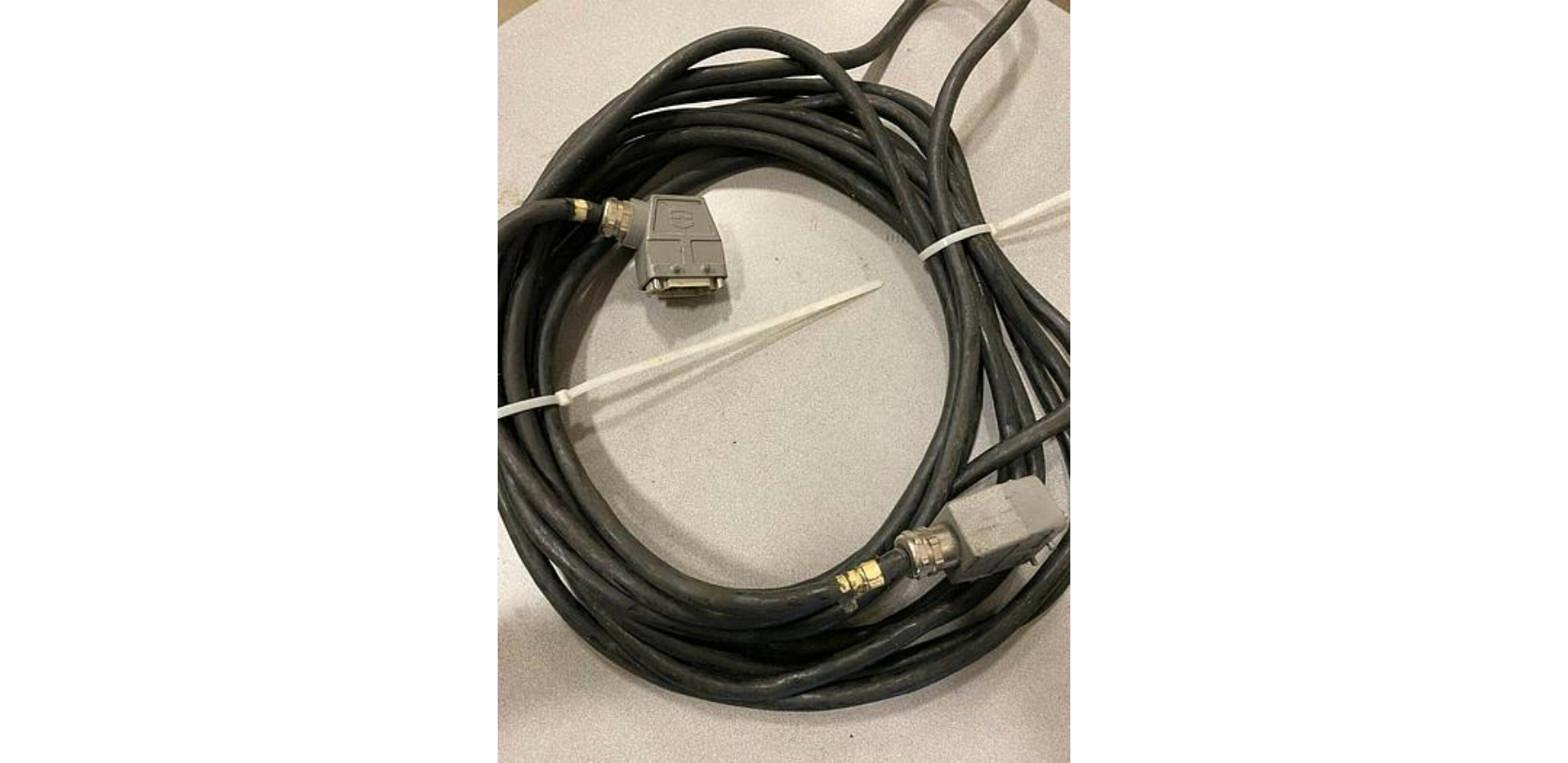
A robot cable set is the group of cables that runs from the controller to the base of the arm, carrying motor power and encoder signals. To match one you need the robot model, the controller it runs on, the cable length and the exact part number off the tags. Get one wrong and it will not run right.
What a Cable Set Covers
On a FANUC robot the main cables between the controller and the arm are labeled RM1 and RP1. RM1 is the motor power side. RP1 carries the pulse coder signals that tell the controller where each axis is. Our write up on robot connection cables goes through what each one does. A robot with an added axis, like a robot transfer unit, can need more cables on top of the standard set.
There are also labeled connection points on the robot itself, separate from the main cable set. We have posts on the EE connection on a FANUC robot, the ES connection and the ASI connection.
A cable set is not a dress pack. A dress pack is the bundle of hoses and cables that rides along the outside of the arm out to the tool. We keep robot dress packs too, including Becker dress packs that came off an R-2000iC/210F and an M-900iB/360, plus a KUKA dress pack and an ABB cable set.
What to Check Before You Buy
- Robot model. Read the full model off the arm's nameplate, not off a work order. An R-2000iB/165F and an M-20iA/35M are very different robots, and the cables are not something to guess at.
- Controller. Match the cable to the controller, not only the arm. The same arm model can ship on different controllers depending on its year. Our M-900iA/260L stock, for example, includes units on the R-J3iC and R-30iA controller and units on the R-30iB controller. Newer cells run the R-30iB Plus controller.
- Length. Measure the real path from the controller to the robot base, including up and over guarding, a riser or a track. Too short will not reach. Too long leaves a coil on the floor that gets stepped on and crushed. Our post on robot cable management covers routing.
- Connector ends. Look at both ends. Check the shell style, count the pins, and look for bent pins, cracked housings and missing locking hardware.
- Part number. The tag on the cable is the best way to match. Send us a clear photo of the tag and we will check it against what we have. Match the full number, including any suffix.
- Condition. Run your hand down the jacket. Cuts, flat spots, burns and stiff sections all mean trouble. Check that the strain reliefs at each end are still tight.
Which Cables Wear Out First
Cables that move wear out. Anything running through a cable carrier on a seventh axis track sees a lot of cycles. So do cables flexing at the base of a robot on a busy robotic spot welding line. On arc welding robots, spatter and heat go after the jacket.
The fixed run between the controller and the robot base usually lasts much longer, as long as nobody drives over it. Put it in a tray or under a cover plate.
When a robot throws a motor or encoder alarm, check the cables before you buy anything else. A damaged cable can look a lot like a failed motor or amplifier. Our post on understanding servo amplifiers helps you sort out which part is the problem. For signal trouble out at the tooling, start with our industrial robot I/O write up.
Cable Sets and Related Parts in Stock
Stock moves fast. Check the page for current units and tag numbers.
- FANUC robot cable sets: listings include 2006-T359 and 2005-T580
- FANUC RP1 and RM1 extension cable set: for the R-30iB Plus controller
- ABB robot cable: part number 3HAC2566-1
- FANUC servo amplifiers: listed by exact A06B part number
- FANUC aiS 8/4000 servo motors: listed by exact A06B part number
- KUKA servo drives and KUKA power supplies
- Used FANUC robot parts: the full parts and accessories list
If you need the robot too, we carry used FANUC robots, used ABB robots and used KUKA robots. Check each listing for what ships with the robot.
Related Guides
- Identifying a FANUC servo motor
- Reading FANUC servo amplifier part numbers
- What a robot riser does
- Seventh axis tracks and RTUs explained
Have Robots or Spare Parts to Sell?
We buy used robots and spare parts, from one cable set to a whole plant. See our sell your robot parts page, or ask about an equipment appraisal.
To match a tag number, call 586-752-0090, extension 1 for sales, or contact RAB sales with a photo.