




Teach Pendants on Used Robots: What Comes With the Robot and What to Check
Published:
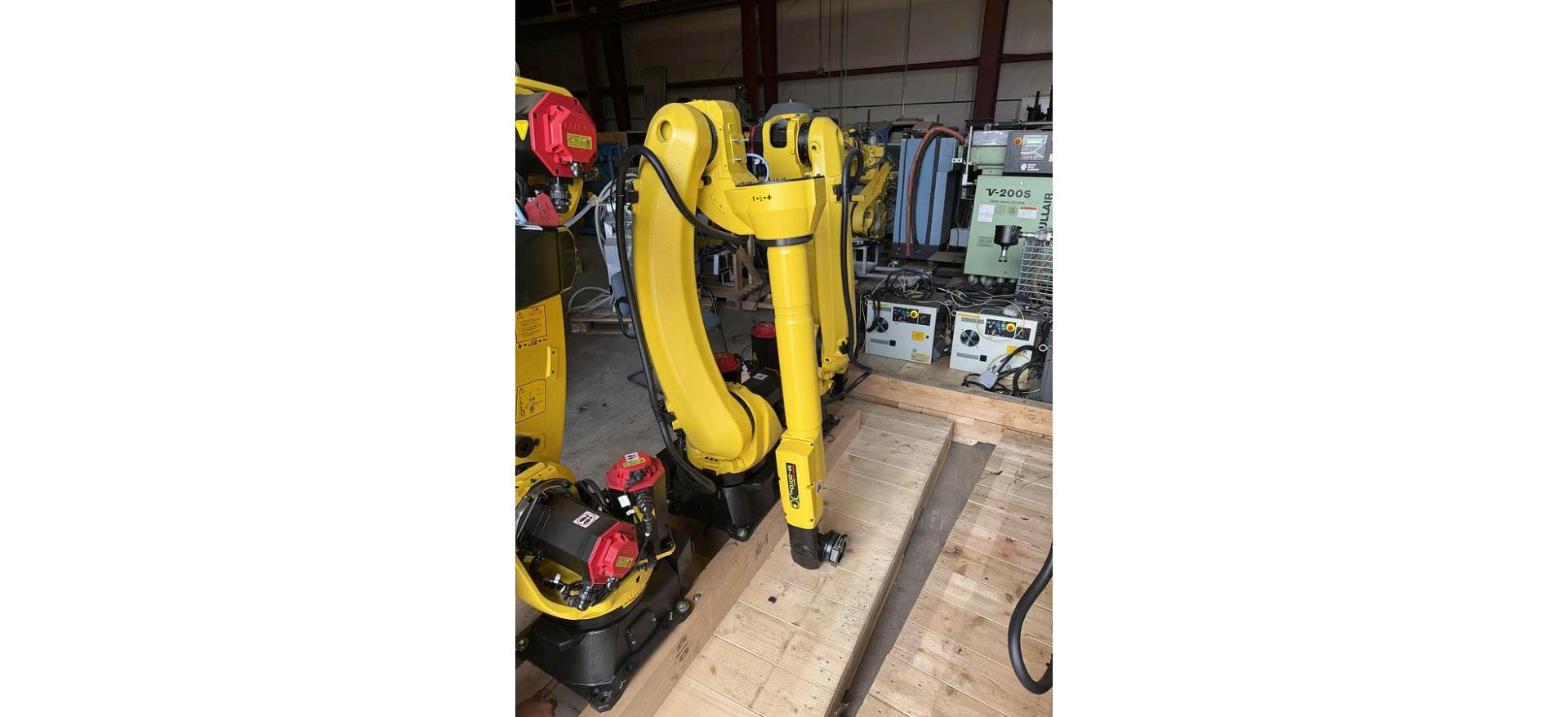
Most of our used robot listings ship complete with the controller, teach pendant and cables, so you are not hunting for a pendant after the robot lands. Before you buy, check the pendant screen, every key, the enable switch, the E-stop and the cable, and make sure the pendant belongs to the same controller family as the robot.
What Comes With a Used Robot
A working robot is three things: the arm, the controller, and the pendant that lets you jog and program it. The cables tie them together. Our listings say "complete with teach pendant and cables" when that is what ships, and the listing title names the controller. Read both. If a listing says arm only or controller only, plan on sourcing the rest.
The pendant is the part of a robot that takes the most abuse. It gets dropped, hung on a fence, run over and left in the rain on a dock. That is why it deserves its own look, even on a robot that looks clean everywhere else. For the bigger picture on buying, start with our used FANUC robots buyer's guide.
Pendants by Brand
FANUC. The pendant has to match the controller generation. Older RJ3 era robots use an earlier style pendant, and FANUC moved to the color iPendant on later controllers. Our guide to FANUC robot controllers walks through RJ3, RJ3iB, R-30iA, R-30iB and R-30iB Plus, and our post on the FANUC tablet teach pendant covers FANUC's tablet option. You can read more on the R-30iB Plus controller as well.
ABB. IRC5 robots use the FlexPendant. Check the touch screen and joystick closely, since those see the most wear. Our write up on the ABB IRC5 controller covers what else to look at.
KUKA. KRC4 robots use the smartPAD and KRC2 robots use the older KCP. They are not interchangeable, so match the pendant to the cabinet. Our used KUKA robots buyer's guide has more on the KRC2 and KRC4.
Kawasaki. Kawasaki pendants go with the E series and F series controllers. Confirm the controller on the listing, then the pendant. Our guide to Kawasaki E01, E02 and F60 controllers explains the differences.
Motoman. Yaskawa calls it a programming pendant, and it is built for its controller family. NX100, DX100, DX200 and FS100 systems all show up on the used market. Our post on Motoman controllers sorts them out.
What to Check on the Pendant
- Screen. Look for cracks, a dim or flickering backlight, and dead spots on a touch screen. A powered up screen tells you far more than a photo of a dark one.
- Keys. Press every key, including shift and the jog keys. Worn through membranes and keys that stick are common on pendants from busy cells.
- Enable switch. This is the switch on the back you hold to jog. On most modern pendants it is a three position switch: let go or squeeze too hard and motion stops. Check that it works in every position.
- E-stop. Push it and the robot should drop servo power. Then release it and make sure the fault clears. Check the pendant E-stop on its own, apart from the one on the cabinet.
- Cable. Walk the whole length. Look for cuts, flat spots where it was run over, taped repairs, bent connector pins and torn strain relief. A damaged pendant cable can cause E-stop or communication faults that come and go.
- The match. The pendant must belong to the same controller family as the robot. Pendants from a different generation will often not work, even from the same brand. If you are not sure, call us with the listing and we will tell you what we have on it.
Robot Cables
The pendant cable is only one of the cables a robot needs. The arm and controller connect through the robot connection cables, and length matters when the cabinet sits outside the fence. Our guide to robot cable sets explains how to match them, and our post on robot connection cables covers what each one does. We stock FANUC robot cable sets and an R-30iB Plus extension cable set if you need more length.
Robots and Controllers to Check
Confirm on each listing what ships with that unit: controller, pendant and cables.
- FANUC LR Mate 200iD/7L: 7 kg payload, 911 mm reach, R30iB
- FANUC R-2000iB/210F: 210 kg payload, 2,655 mm reach, R-30iB
- FANUC S-500iB: older six axis arm on the RJ3iB
- FANUC RJ3iB controller: a standalone cabinet for older systems
- ABB IRB 4600-40/2.55: 40 kg payload, 2,550 mm reach, IRC5
- KUKA KR16 L6-2: KRC4 controller, 2014
- KUKA KR6 Arc: KRC2 controller
- never used Kawasaki RS010L: 10 kg payload, 1,925 mm reach, E01
- Kawasaki RS007L: 7 kg payload, 930 mm reach, F60F
- Yaskawa Motoman MH50-II: 50 kg payload, 2,061 mm reach, DX200
- Yaskawa Motoman SSF2000: NX100 controller, 2008
Related Guides
Selling Robots With or Without Pendants?
A missing pendant does not rule a robot out. We buy arms and controllers complete or not. Send us the details on our sell your used robots page, or ask about our appraisal services.
Call 586-752-0090, extension 1 for sales, or contact the sales team with the listing you are looking at.